All product updates
Audit log: who did what, and when
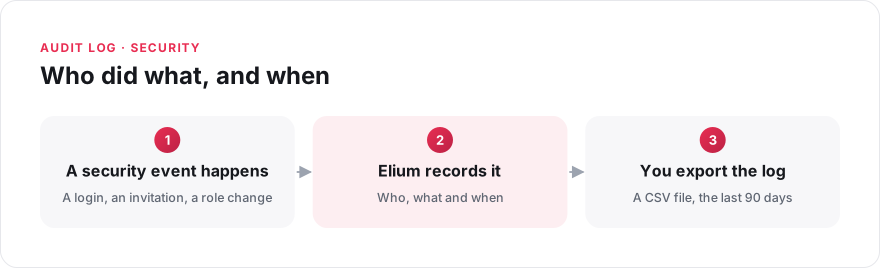
A security review asks precise questions. Who invited this external user? Who gave this person administrator rights? Were there failed login attempts? Analytics do not answer these questions, because they describe how people use the platform.
The audit log records the events that matter for security:
- users who are invited, deleted, enabled or disabled;
- successful and failed logins with a password, and logouts;
- passwords that are set or reset;
- changes to platform roles and space roles.
For each event, the log records the date, the person who acted, the person concerned and a short description. Administrators can download the events from the last 90 days as a CSV file, on the "Security" page in the settings.
The audit log is available on request to Vault customers: our team enables it for your platform.