All product updates
MCP: your AI agents edit articles, always as a draft
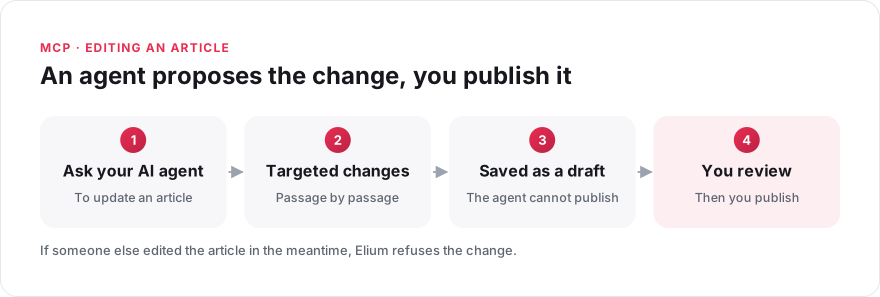
When a meal allowance changes from €25 to €30, one sentence of your travel policy is out of date. Ask your AI agent to update it, then review the change before anything is published. Agents connected through the Model Context Protocol (MCP) have been able to create articles since September 2026. They can now also:
- Edit an article. The agent makes targeted changes, passage by passage, and does not rewrite the whole article. The result is always saved as a draft: you review it in Elium, then follow your usual publication or approval process. If someone else has edited the article in the meantime, Elium refuses the change.
- Read attached documents. Part of your knowledge is in files: PDF procedures, Word documents and presentations. Until now, an agent only saw the extract returned by the search. It can now read the full text of an attached document and answer from it.
- Place articles in the right section. In a space organised into sections, such as a portal, the agent sees the structure and chooses the section for a new article.
See what the Elium MCP server does, or read how to create and edit articles through MCP.