Space export: your articles stay readable offline
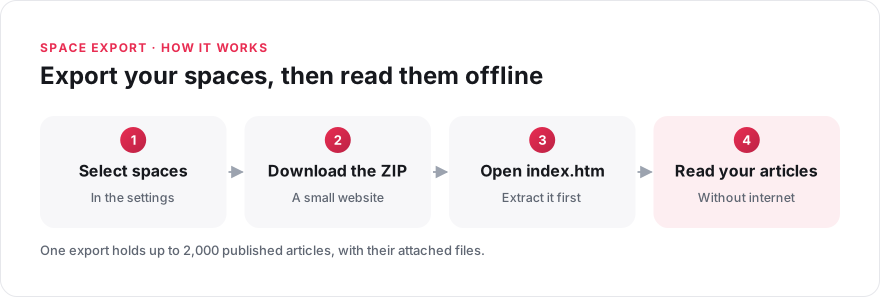
Some reference material has to stay available when you cannot access Elium, for example where there is no internet connection. You can now export one or more spaces as a small website and browse it offline.
The export is a ZIP archive. Extract it and open the "index.htm" file in a browser. Your articles are organised by space and space group. Each article has a sidebar with the table of contents, so you can move from one article to another.
The export contains the published articles from the spaces you select, with their attached files and drawings. It does not include drafts, archived articles or comments. It is a copy made at the time of download, so create a new export when you need more recent content.
One export holds up to 2,000 articles: beyond that, only the first 2,000 are included. Only system administrators can create an export, under "Settings" > "Exports", and the feature must be enabled on your platform.