All product updates
The editor tells you when a topic is already covered
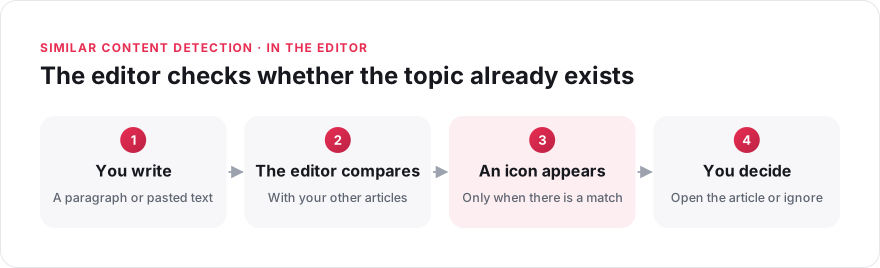
You no longer need to search manually to check whether a topic is already covered. The editor analyses your text when you finish a paragraph or paste a block of text, and finds articles on similar topics. Detection is based on meaning, so it finds a related article even when the wording is different.
- An icon appears in the toolbar only when there is a match, so nothing interrupts you the rest of the time. Point to it to see the related articles and open one in a preview.
- If a suggestion is not relevant, click "Ignore". Elium then stops showing this suggestion in the article you are writing.
Similar content detection is still experimental: administrators turn it on or off on the "Lab" page of the settings.
See what duplicate detection can do, or read how similar content detection works.